Hey there, fellow network enthusiast! If you’re looking to supercharge your home office or small to medium-sized business network, you’ve likely come across the term “24 port ethernet switch.” As someone who’s spent decades elbow-deep in cables and configurations at VGLan, I can tell you that a 24 port ethernet switch is more than just a piece of hardware; it’s a game-changer for reliable, scalable, and efficient connectivity. It’s like the central nervous system for all your digital devices, ensuring everything communicates smoothly and quickly.
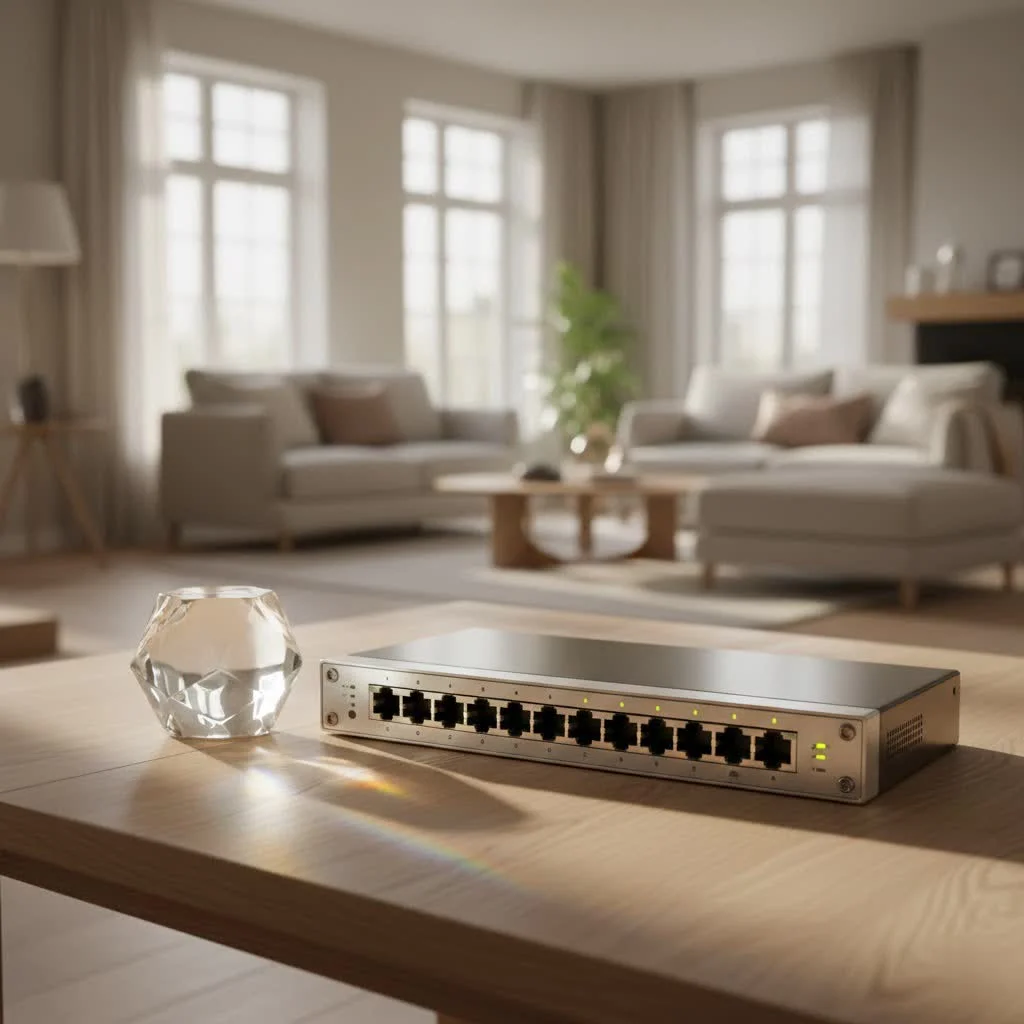
Gone are the days when a handful of ports were enough. Today’s connected world demands more, and that’s precisely where a 24 port ethernet switch shines, providing ample room for all your computers, printers, IP cameras, and wireless access points. Let’s dive into why this networking workhorse is an essential component for building a robust and future-proof network.
What Exactly is a 24 Port Ethernet Switch and Why Does It Matter?
At its core, a 24 port ethernet switch is a network device designed to connect numerous devices within your local area network (LAN) using Ethernet cables. Each of its 24 ports acts as a dedicated connection point, allowing devices to share data and resources efficiently. Think of it as a smart traffic cop for your data: instead of broadcasting data to every device like an old-school hub, a switch intelligently forwards packets only to their intended destination based on MAC addresses, drastically reducing network congestion and boosting overall efficiency.
The “24 port” aspect means you get a generous number of connections, ideal for environments that have grown beyond basic networking needs but don’t quite require the massive scale of enterprise-grade solutions. And when we talk about “ethernet switch,” we’re almost always referring to Gigabit Ethernet these days, which means data transfer speeds of up to 1,000 Mbps – a significant leap from older Fast Ethernet. This speed is absolutely crucial for handling large data volumes, making your network snappy and responsive, whether you’re streaming 4K video, backing up critical files, or running multiple VoIP calls.
Diving Deeper: Types of 24 Port Ethernet Switches
Not all 24 port ethernet switches are created equal. Depending on your specific needs, budget, and desired level of control, you’ll encounter a few key types:
Unmanaged Switches: The Plug-and-Play Simplicity
If you’re looking for a straightforward, no-fuss solution, an unmanaged 24 port ethernet switch might be your best bet. These are the “plug-and-play” champions of the networking world. You simply connect your devices, and they start communicating. They come with a fixed configuration from the factory and don’t offer any user-configurable settings.
- Pros: Easy to install, low cost, ideal for basic connectivity in small networks like a home office or a simple workgroup.
- Cons: No control over network traffic, no advanced features like VLANs or QoS, and limited scalability or security.
Managed Switches: Taking Control of Your Network
|
Our Picks for the Best Network Switch in 2026
As an Amazon Associate I earn from qualifying purchases.
|
||
| Num | Product | Action |
|---|---|---|
| 1 | BrosTrend 2.5Gb Switch, 8 Port Network Switch 2.5 Gigabit, Unmanaged Ethernet Switch for Game Console, NAS, PC, Computer Networking Switch Plug & Play Fanless, Desktop Wall Mount, Lifetime Protection |

|
| 2 | TP-Link 5-Port Gigabit Ethernet Easy Smart Switch- Plug and Play - Desktop - Sturdy Metal w/Shielded Ports - Limited Lifetime Replacement (TL-SG105E), Black… |
|
| 3 | TP-Link TL-SG105S-M2 - 5-Port Multi-Gigabit 2.5G Ethernet Switch - Unmanaged Network Switch - Ethernet Splitter - Plug & Play - Desktop/Wall Mount - Silent Operation |
|
| 4 | NETGEAR 8-Port Gigabit Ethernet Unmanaged Essentials Switch (GS308) - Home Network Hub, Office Ethernet Splitter, Plug-and-Play, Silent Operation, Desktop or Wall Mount |
|
| 5 | TP-Link Litewave 5 Port Gigabit Ethernet Switch - Desktop Ethernet Splitter - Unshielded Network Switch - Plug & Play - Fanless Quiet - Unmanaged (LS1005G) |
|
| 6 | TP-Link 24 Port Gigabit Ethernet Switch Desktop/ Rackmount Plug & Play Shielded Ports Sturdy Metal Fanless Quiet Traffic Optimization Unmanaged (TL-SG1024S) |
|
| 7 | UGREEN Ethernet Switch, 5 Port Gigabit Ethernet Splitter, Plug & Play, Wall Mount & Desktop Network Switch Hub, Unmanaged, Compact, with LED, Fanless Quiet, for Internet Cable, Laptop, Router, NAS |
|
| 8 | TP-Link 8 Port Gigabit Ethernet Network Switch - Ethernet Splitter - Plug & Play - Fanless - Sturdy Metal w/ Shielded Ports - Traffic Optimization - Unmanaged - Lifetime Protection (TL-SG108) |
|
| 9 | UGREEN 16 Port Gigabit Switch, Plug & Play Ethernt Switch, Standard/VLAN Mode, Unmanaged, Sturdy Metal, Fanless Quiet, Desktop & Wall Mount Network LAN Splitter Hub for Laptop, Printer, NAS, Router |
|
| 10 | TP-Link TL-SG105, 5 Port Gigabit Unmanaged Ethernet Switch, Network Hub, Ethernet Splitter, Plug & Play, Fanless Metal Design, Shielded Ports, Traffic Optimization |
|
For those who want granular control, enhanced security, and optimized performance, a managed 24 port ethernet switch is the way to go. These switches allow you to configure, monitor, and manage your network traffic with a wide array of features.
- Pros:
- VLANs (Virtual LANs): Segment your network for improved security and performance. You can isolate guest networks from corporate data, for example.
- QoS (Quality of Service): Prioritize critical traffic, ensuring your VoIP calls don’t drop during a large file download.
- Security Features: Implement port security, MAC address filtering, and other advanced protocols to safeguard your network.
- Monitoring: Gain insights into network performance and troubleshoot issues more effectively through SNMP and other tools.
- Remote Management: Configure and monitor your switch from anywhere.
- Cons: Higher cost and require more technical knowledge to set up and maintain.
“A managed 24 port ethernet switch offers unparalleled flexibility and security,” says network architect Alex Chen. “It’s the essential tool for any growing business that truly cares about data integrity and optimized performance.”
PoE Switches: Power and Data, One Cable at a Time
A 24 port PoE (Power over Ethernet) switch is a fantastic innovation that delivers both data and electrical power to connected devices over a single Ethernet cable. This simplifies cabling dramatically, especially for devices where power outlets are scarce or inconvenient.
- Ideal for: IP cameras, wireless access points (WAPs), VoIP phones, and other PoE-enabled devices.
- Benefits: Reduced cabling costs, greater flexibility in device placement, and centralized power management.
- Considerations: PoE switches generally have a higher initial cost, and you need to consider the total PoE power budget to ensure all connected devices receive enough power. Look for PoE+ (802.3at) support for devices requiring up to 30W per port.
Stackable Switches: Growing with Your Business
While a 24 port ethernet switch offers significant capacity, some larger networks might need even more. Stackable switches can be combined to act as a single, larger logical switch, simplifying management and increasing your total port count without adding complexity. Instead of managing multiple switches individually, you manage the entire stack as one unit. This is particularly useful for organizations with growing network needs or those with limited rack space.
Choosing the Right 24 Port Ethernet Switch for Your Needs
Selecting the perfect 24 port ethernet switch isn’t about picking the most expensive option; it’s about finding the one that perfectly aligns with your current requirements and anticipated future growth. Here’s a checklist to guide your decision-making process:
- PoE Needs: Do you have (or plan to have) IP cameras, VoIP phones, or wireless access points? If so, a 24 port PoE switch is a must. Calculate your total power budget requirement to ensure the switch can adequately power all devices.
- Management Level:
- Unmanaged: For simple networks, basic connectivity, and minimal configuration needs.
- Managed: For advanced control, security, performance optimization, and scalability. This is usually the best choice for small to medium businesses.
- Uplink Ports: Consider switches with SFP or SFP+ uplink ports. These are crucial for high-speed connections to other switches, servers, or for integrating fiber-optic connections over longer distances.
- Switching Capacity & Performance: Check the switch’s switching bandwidth and forwarding rate. These metrics indicate how much data traffic the switch can handle without creating bottlenecks. Gigabit ports are standard, but if you have extremely high-bandwidth needs, look for switches with 2.5G/5G/10G uplink capabilities.
- Energy Efficiency: Some switches offer low-power designs and fanless operation, which can be great for quiet environments and reduced energy consumption.
- Budget: While unmanaged switches are more affordable, the long-term benefits and control offered by a managed PoE switch often justify the higher initial investment for businesses.
- Brand Reputation & Support: Choose reputable brands known for reliability and good customer support.
Basic Setup and Configuration of Your 24 Port Ethernet Switch
Getting your 24 port ethernet switch up and running doesn’t have to be daunting. Here’s a simplified walkthrough for a typical managed switch:
- Physical Placement: Find a well-ventilated area, preferably a network rack, to install your switch. Ensure you have proper cable management to keep things tidy and prevent airflow obstruction.
- Initial Connection (Managed Switches): For a managed switch, you’ll typically connect your computer to the switch’s console port using a serial cable (often a USB-to-serial adapter). Use a terminal emulator program (like PuTTY or Tera Term) to access the command-line interface (CLI).
- Assign a Management IP Address: This is crucial for accessing your switch remotely. You’ll configure an IP address and subnet mask within your network’s range. For example:
Get our weekly buyer guide
Practical specs, not advice. Unsubscribe anytime.
