Hello there, fellow network enthusiasts! As a seasoned network architect and your trusted guide from VGLan.com, I’ve spent over two decades navigating the intricate world of network switches. Today, we’re going to pull back the curtain on one of the most fundamental yet often underestimated components of any robust network infrastructure: the Switch Port. These seemingly simple openings are the unsung heroes of your network, the critical gateways that enable every device to communicate, collaborate, and thrive. Understanding the nuances of a switch port isn’t just about technical know-how; it’s about building a network that’s efficient, secure, and ready for anything your digital life throws its way.
The Anatomy of a Switch Port – What It Is and How It Works
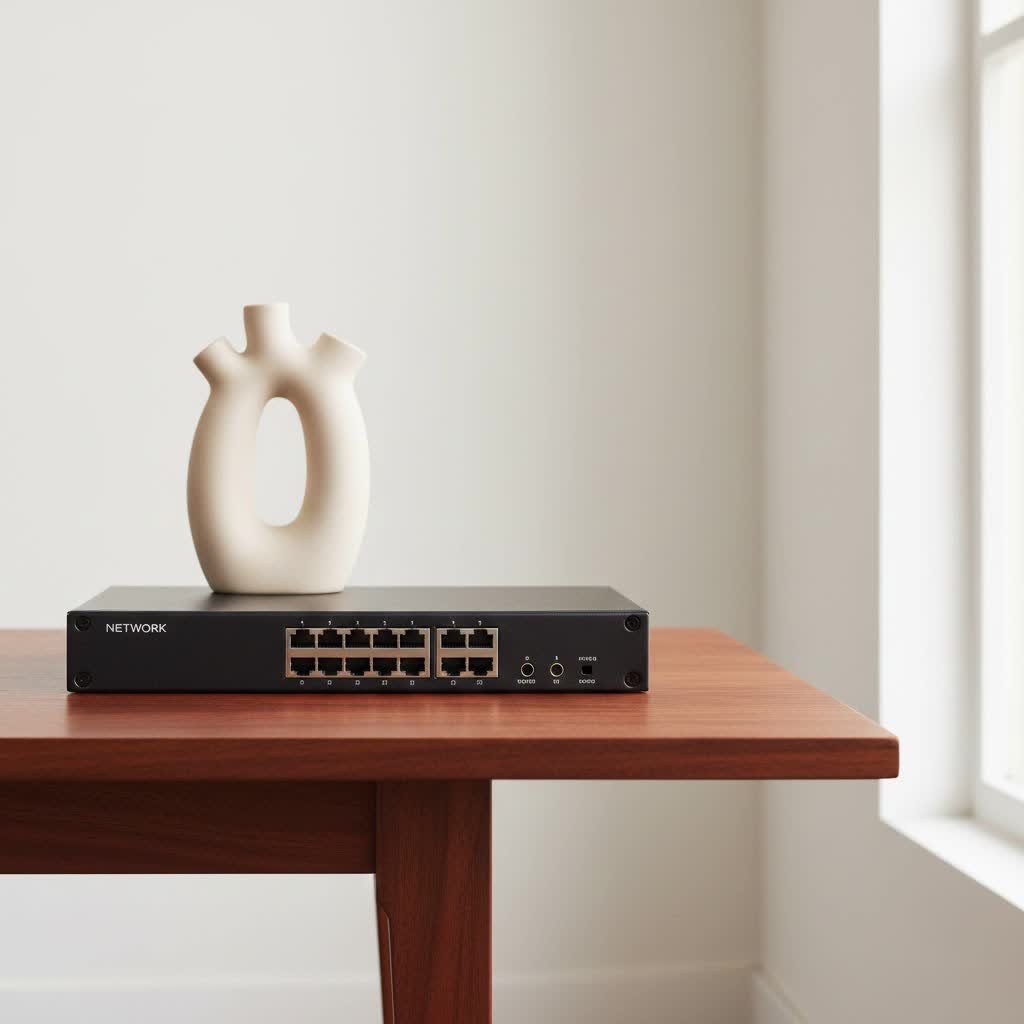
At its core, a switch port is a physical interface on a network switch, serving as the connection point where your devices—be it a computer, printer, IP camera, or another switch—plug into the local area network (LAN). Think of it as a meticulously organized intersection, directing traffic with precision rather than the chaotic free-for-all of a shared highway.
A network switch operates primarily at Layer 2 (the Data Link Layer) of the OSI model. This means it uses MAC addresses (Media Access Control addresses) to identify specific devices and intelligently forward data packets only to their intended destination. Instead of broadcasting data to every connected device, which can lead to congestion, a switch port learns which MAC address is connected to which port. This intelligent packet switching ensures efficient communication, minimizes collisions, and significantly improves overall network performance. Each switch port acts as a dedicated conduit, managing traffic flow and ensuring reliable, high-speed data transfer within your network.
How Does a Switch Port Facilitate Communication?
|
Our Picks for the Best Network Switch in 2026
As an Amazon Associate I earn from qualifying purchases.
|
||
| Num | Product | Action |
|---|---|---|
| 1 | TP-Link Litewave 5 Port Gigabit Ethernet Switch - Desktop Ethernet Splitter - Unshielded Network Switch - Plug & Play - Fanless Quiet - Unmanaged (LS1005G) |

|
| 2 | UGREEN 16 Port Gigabit Switch, Plug & Play Ethernt Switch, Standard/VLAN Mode, Unmanaged, Sturdy Metal, Fanless Quiet, Desktop & Wall Mount Network LAN Splitter Hub for Laptop, Printer, NAS, Router |
|
| 3 | BrosTrend 2.5Gb Switch, 8 Port Network Switch 2.5 Gigabit, Unmanaged Ethernet Switch for Game Console, NAS, PC, Computer Networking Switch Plug & Play Fanless, Desktop Wall Mount, Lifetime Protection |
|
| 4 | NETGEAR 8-Port Gigabit Ethernet Unmanaged Essentials Switch (GS308) - Home Network Hub, Office Ethernet Splitter, Plug-and-Play, Silent Operation, Desktop or Wall Mount |
|
| 5 | TP-Link TL-SG105, 5 Port Gigabit Unmanaged Ethernet Switch, Network Hub, Ethernet Splitter, Plug & Play, Fanless Metal Design, Shielded Ports, Traffic Optimization |
|
| 6 | UGREEN Ethernet Switch, 5 Port Gigabit Ethernet Splitter, Plug & Play, Wall Mount & Desktop Network Switch Hub, Unmanaged, Compact, with LED, Fanless Quiet, for Internet Cable, Laptop, Router, NAS |
|
| 7 | TP-Link 5-Port Gigabit Ethernet Easy Smart Switch- Plug and Play - Desktop - Sturdy Metal w/Shielded Ports - Limited Lifetime Replacement (TL-SG105E), Black… |
|
| 8 | TP-Link 24 Port Gigabit Ethernet Switch Desktop/ Rackmount Plug & Play Shielded Ports Sturdy Metal Fanless Quiet Traffic Optimization Unmanaged (TL-SG1024S) |
|
| 9 | TP-Link 8 Port Gigabit Ethernet Network Switch - Ethernet Splitter - Plug & Play - Fanless - Sturdy Metal w/ Shielded Ports - Traffic Optimization - Unmanaged - Lifetime Protection (TL-SG108) |
|
| 10 | TP-Link TL-SG105S-M2 - 5-Port Multi-Gigabit 2.5G Ethernet Switch - Unmanaged Network Switch - Ethernet Splitter - Plug & Play - Desktop/Wall Mount - Silent Operation |
|
When a data packet arrives at a switch port, the switch examines the destination MAC address within the packet. It then consults its internal MAC address table to determine which specific port the destination device is connected to. The packet is then forwarded only to that port. This targeted delivery, unlike older hub technologies that would flood all ports, is what makes switches so efficient and crucial for modern network reliability.
Decoding the Diversity: Common Types of Switch Ports
Not all switch ports are created equal. Depending on your network’s design and specific needs, you’ll encounter various types, each serving a distinct purpose. Knowing these differences is key to making informed decisions when building or upgrading your network.
By Network Architecture
The way a switch port is configured and its role within your network architecture defines its primary function:
- Access Port: What is an access port? An access port is typically used to connect end devices like workstations, servers, IP phones, or printers to the network. These ports are usually configured to belong to a single Virtual Local Area Network (VLAN) and carry untagged traffic for that specific VLAN. They are the most common type of switch port you’ll encounter in user-facing scenarios.
- Trunk Port: What is a trunk port? A trunk port is designed to carry traffic for multiple VLANs simultaneously. These ports are primarily used to connect switches to other switches, or to routers, facilitating inter-VLAN communication. Traffic on a trunk port is usually “tagged” with a VLAN ID using standards like IEEE 802.1Q, allowing the receiving switch to identify which VLAN the data belongs to.
- Hybrid Port: How does a hybrid port function? Hybrid ports offer a blend of both access and trunk port functionalities. They can belong to multiple VLANs and can handle both tagged and untagged frames, making them incredibly flexible. They are often used in scenarios where you need to connect both end devices and other switches to the same port, or when specific tagging requirements demand it.
By Physical Interface and Technology
Beyond their architectural role, switch ports also come in different physical forms, supporting various cabling types and speeds:
- RJ45 Ports (Copper): These are the ubiquitous Ethernet ports you’re most familiar with, designed for standard twisted-pair copper cables (Cat5e, Cat6, etc.). RJ45 ports support various speeds, from Fast Ethernet (100 Mbps) to Gigabit Ethernet (1 Gbps) and even 10 Gigabit Ethernet (10 Gbps) over shorter distances. They are cost-effective and widely used in local area networks for connecting most devices.
- SFP and SFP+ Ports (Modular Transceiver Slots): What is an SFP port? SFP (Small Form-factor Pluggable) ports are modular slots that allow you to insert various SFP transceivers. These transceivers enable you to connect to fiber optic cables for longer distances and higher bandwidth, or even specialized copper cables. SFP ports typically support speeds up to 1 Gbps, while SFP+ ports are an enhanced version, supporting speeds up to 10 Gbps. These ports provide immense flexibility, allowing you to adapt your switch to different media types and distance requirements without replacing the entire switch.
- SFP28, QSFP+, QSFP28, and QSFP-DD Ports: For high-density, high-bandwidth applications, especially in data centers, you’ll find these advanced modular ports. SFP28 supports 25 Gbps, QSFP+ (Quad Small Form-factor Pluggable) delivers 40 Gbps, QSFP28 offers 100 Gbps, and QSFP-DD (Quad Small Form-factor Pluggable Double Density) can push up to 400 Gbps. These are crucial for connecting high-performance servers, storage arrays, and core network components.
- PoE Port (Power over Ethernet): What is a PoE port? A PoE port is a special type of Ethernet port that can deliver both data and electrical power over a single network cable. This eliminates the need for separate power outlets for devices like IP cameras, wireless access points, and VoIP phones, simplifying deployments and reducing cabling clutter. Standards like IEEE 802.3af provide up to 15.4W per port, while 802.3at (PoE+) offers up to 30W, and 802.3bt (PoE++) goes even higher.
- Combo Port: How do combo ports offer flexibility? A combo port integrates both an RJ45 copper connector and an SFP slot into a single logical port. The catch is that only one interface can be active at a time. This provides fantastic flexibility, allowing network administrators to choose between a copper or fiber connection for that port based on the immediate need, without wasting additional switch fabric.
- Stack Port: What is a stack port? Stack ports are dedicated interfaces used to connect multiple physical switches together to form a single, larger logical switch, often referred to as a switch stack. This simplifies management, increases port density, and provides redundancy, as the stacked switches behave as one unit.
Configuring Your Switch Ports for Optimal Performance and Security
Understanding the types of switch ports is just the beginning. The real magic happens in how you configure them. Proper configuration is paramount for a high-performing, secure, and easily manageable network.
VLAN Assignment: Segmenting Your Digital Real Estate
Virtual Local Area Networks (VLANs) are a cornerstone of modern network design, allowing you to logically segment your physical network into smaller, isolated broadcast domains. This separation offers significant benefits:
- Enhanced Security: By isolating traffic from different departments or types of devices (e.g., separating guest Wi-Fi from corporate data, or IP cameras from user workstations), you limit the scope of potential security breaches. An attacker gaining access to one VLAN won’t automatically have access to others.
- Improved Performance: Smaller broadcast domains mean less broadcast traffic flooding your network, reducing congestion and improving overall network efficiency.
- Simplified Management: VLANs make it easier to organize and manage devices, regardless of their physical location. You can logically group devices by function or department.
How to assign a switch port to a VLAN: On most managed switches, you’ll access a web-based management interface or a command-line interface (CLI). You’ll create your VLANs (e.g., VLAN 10 for “Cameras,” VLAN 20 for “VoIP”) and then assign specific switch ports to these VLANs. For example, all ports connected to IP cameras would be assigned to VLAN 10 as access ports.
Port Security: Locking Down Your Access Points
Think of port security as the bouncer at the club, ensuring only authorized devices get in. This critical feature helps prevent unauthorized access to your network.
- Limiting MAC Addresses: You can configure a switch port to learn and remember the MAC address of the first device that connects to it, and then only allow that specific MAC address to communicate through that port. If another device tries to connect, the port can be configured to shut down or generate an alert.
- Disabling Unused Ports: A simple yet effective security measure is to disable any switch port that is not currently in use. This prevents someone from simply plugging into an open port and gaining network access.
Quality of Service (QoS): Prioritizing What Matters Most
In today’s bandwidth-hungry world, not all data is created equal. Voice calls, video conferencing, and critical business applications often require low latency and consistent bandwidth. Quality of Service (QoS) allows you to prioritize this critical traffic over less time-sensitive data.
- Configuring Traffic Classes: You can classify different types of network traffic (e.g., VoIP, video streaming, file transfers) and assign them priority levels.
- Bandwidth Allocation: QoS settings on a switch port can ensure that high-priority traffic receives preferential treatment, guaranteeing the necessary bandwidth and minimizing delays, even during periods of network congestion. For instance, you could prioritize VoIP packets on ports connected to IP phones to ensure crystal-clear calls.
Speed and Duplex Settings: Ensuring Smooth Conversations
Most modern network devices and switches use auto-negotiation to determine the optimal speed (e.g., 100 Mbps, 1 Gbps) and duplex mode (half-duplex or full-duplex) for a connection. However, sometimes manual configuration is necessary to resolve compatibility issues.
- Auto-negotiation: In most cases, it’s best to leave switch ports set to auto-negotiation.
- Manual Configuration: If you encounter persistent connectivity problems or performance degradation, verifying and potentially manually setting the speed and duplex on both the switch port and the connected device can resolve the issue. Mismatched settings (e.g., one side full-duplex, the other half-duplex) can lead to significant collision errors and poor performance.
Troubleshooting Common Switch Port Issues – Getting Your Network Back on Track
Even with the best planning and configuration, network issues can arise. Knowing how to effectively troubleshoot switch port problems is a valuable skill that can quickly restore network functionality.
No Link or Connectivity
- Physical Checks: Always start here. Inspect the network cables connected to the switch port. Are they securely plugged in? Is there any visible damage to the cable or connector? If it’s a fiber connection, are the correct fiber type (single-mode or multi-mode) and transceivers being used? A simple loose cable is a surprisingly common culprit.
- LED Indicators: Observe the Link/Activity LED on the switch port. A solid green light usually indicates an active link, while a flashing light signifies activity. No light often means no connection or a disabled port. Also, check the switch’s overall power indicator.
- Testing with Known-Good Components: Swap out the suspect cable with a known-good one. Try connecting a known-good device (like a laptop) to the problematic switch port. If that works, the issue might be with the original device. Conversely, try connecting the original device and cable to a different switch port on the same switch. If it works on another port, the original port might be faulty.
Intermittent Connectivity or Performance Issues
- Duplex Mismatch: This is a classic cause of poor performance. If one side of a connection is set to full-duplex and the other to half-duplex, it results in excessive collisions and drastically reduced throughput. Check the duplex settings on both the switch port and the connected device.
- Port Errors: Check the switch’s interface statistics for the problematic port. Look for errors like “collisions,” “late collisions,” “runts,” or “giants.” These indicate issues with data transmission, often related to cabling, duplex mismatch, or faulty hardware.
- Overheating: Switches need proper ventilation. If a switch is overheating, its performance can degrade, leading to intermittent connectivity. Ensure adequate airflow around the device.
Configuration Problems
- Incorrect VLAN Assignments: If a device is in the wrong VLAN, it won’t be able to communicate with devices in its intended network segment. Verify the VLAN configuration for the problematic switch port.
- Port Security Violations: A switch port might enter an “err-disabled” state if it detects a port security violation (e.g., too many MAC addresses or an unauthorized MAC address). You’ll need to clear the violation and re-enable the port.
- IP Address/Subnet Issues: While primarily a Layer 3 issue, incorrect IP addressing on connected devices or a misconfigured management VLAN on the switch can prevent communication.
“Troubleshooting is often a process of elimination,” advises Mr. Ethan Hayes, VGLan’s Chief Network Architect. “Start with the simplest checks, verify physical integrity, then move to logical configurations. A systematic approach saves time and prevents headaches.”
Best Practices for Robust Switch Port Management
Effective switch port management is an ongoing process that contributes significantly to the health and longevity of your network.
- Planning and Documentation: Before configuring anything, understand your network’s needs. Plan your VLANs, assign clear VLAN IDs, and document which devices connect to which switch port and why. This foresight minimizes misconfigurations and simplifies future troubleshooting.
- Security Measures:
- Change Default Credentials: Always change the default username and password on your switches to strong, unique ones.
- Disable Unused Ports: Shut down any switch port that isn’t currently connected to a device.
- Enable Port Security: Utilize port security features to limit unauthorized devices from connecting.
- Access Control Lists (ACLs): Implement ACLs to define specific rules for traffic flow, further restricting unauthorized access to sensitive network resources.
- 802.1X Authentication: For even higher security, consider 802.1X, which requires devices to authenticate before gaining network access through a switch port.
- Regular Monitoring: Keep an eye on your switch port activity. Tools like SNMP (Simple Network Management Protocol) and port mirroring allow you to monitor port utilization, error rates, and traffic flow. This proactive approach helps you identify potential bottlenecks or issues before they impact users.
- Firmware Updates: Regularly update your switch firmware. Manufacturers frequently release updates to patch security vulnerabilities, fix bugs, and introduce new features, ensuring your switches remain secure and perform optimally. Always back up your configuration before an update!
- Redundancy and Scalability: Implement Spanning Tree Protocol (STP) to prevent network loops while enabling redundant paths. When designing your network, choose switches that can support future growth, whether that means more devices or increased bandwidth demands. A well-designed network with proper switch port management can scale gracefully.
Conclusion
The humble switch port is far more than just a hole to plug a cable into; it’s the heart of your network’s connectivity, security, and performance. From distinguishing between an access port and a trunk port, to configuring VLANs, implementing port security, and troubleshooting frustrating “no link” issues, a deep understanding of switch port essentials empowers you to build and maintain a network that’s both efficient and resilient.
At VGLan, we believe that empowering you with this knowledge is key to navigating the complexities of modern networking. By meticulously planning, configuring, and monitoring your switch ports using the strategies we’ve discussed, you’re not just managing devices; you’re crafting a secure, high-performance digital environment. So, roll up your sleeves, apply these insights, and let us know your experiences. Your network’s optimal health begins at the port!
