Ever wondered how some of your network devices magically get power without a bulky adapter plugged into a wall outlet? The secret often lies with a Power over Ethernet (PoE) switch, a true game-changer in modern network infrastructure. As a seasoned network specialist with two decades under my belt, I’ve seen countless network setups, and the evolution of PoE technology has been nothing short of transformative. It’s not just about convenience; it’s about efficiency, flexibility, and unlocking new possibilities for your connected world.
What Exactly is a Power Over Ethernet Switch?
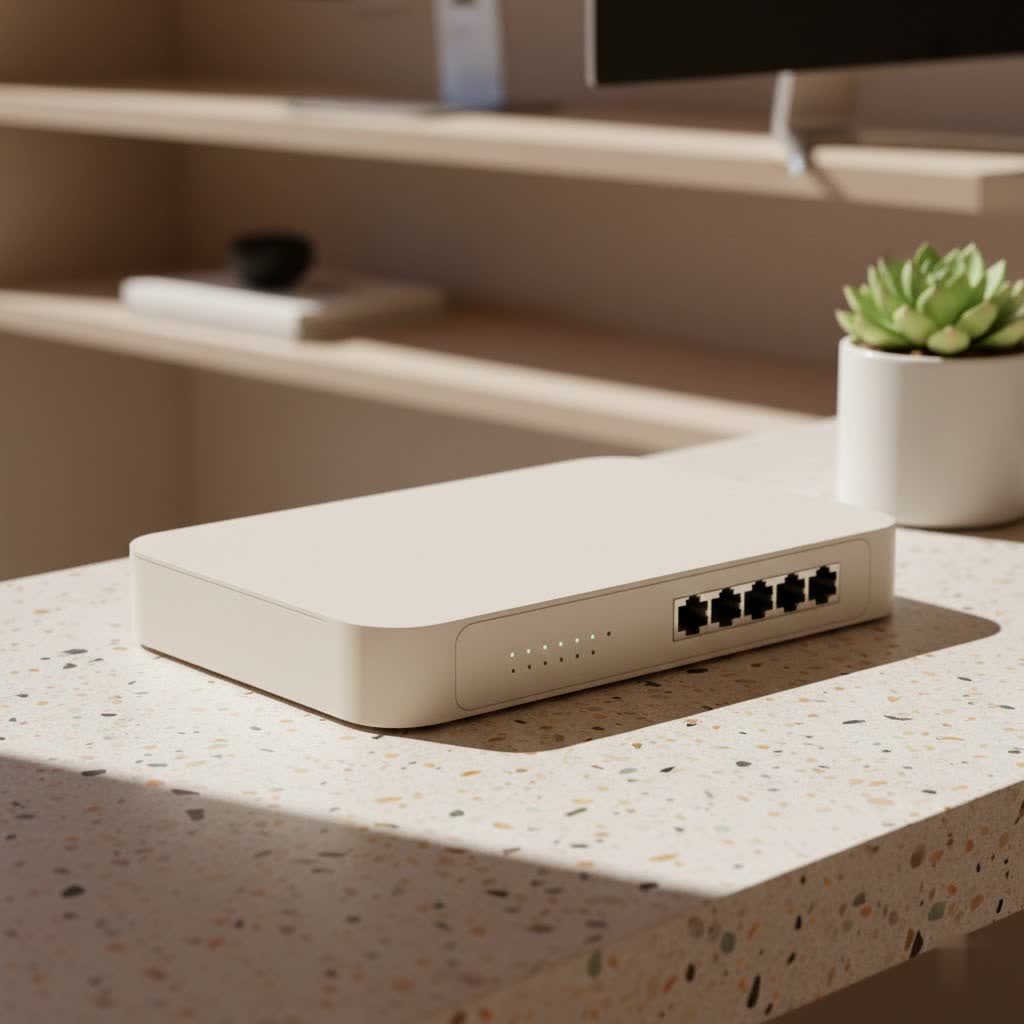
At its core, a Power Over Ethernet Switch is a specialized network switch that does double duty. Think of it as a central hub that not only manages data traffic between your network devices but also delivers electrical power to them, all through the same standard Ethernet cable. This ingenious combination eliminates the need for separate power sources for compatible devices, known as Powered Devices (PDs).
How does this magic happen? When you connect a PoE-compatible device, the PoE switch, acting as Power Sourcing Equipment (PSE), intelligently detects if the device needs power. If it does, the switch then supplies the precise amount of electricity required, ensuring that non-PoE devices remain safe and only receive data. This smart negotiation process prevents any damage to your equipment.
The Unmistakable Benefits of Embracing a PoE Switch
So, why are PoE switches gaining such traction? The advantages are compelling, offering practical solutions for both home users and large enterprises.
Streamlined Cabling and Installation
|
Our Picks for the Best Network Switch in 2026
As an Amazon Associate I earn from qualifying purchases.
|
||
| Num | Product | Action |
|---|---|---|
| 1 | TP-Link TL-SG105, 5 Port Gigabit Unmanaged Ethernet Switch, Network Hub, Ethernet Splitter, Plug & Play, Fanless Metal Design, Shielded Ports, Traffic Optimization |

|
| 2 | UGREEN 16 Port Gigabit Switch, Plug & Play Ethernt Switch, Standard/VLAN Mode, Unmanaged, Sturdy Metal, Fanless Quiet, Desktop & Wall Mount Network LAN Splitter Hub for Laptop, Printer, NAS, Router |
|
| 3 | TP-Link TL-SG105S-M2 - 5-Port Multi-Gigabit 2.5G Ethernet Switch - Unmanaged Network Switch - Ethernet Splitter - Plug & Play - Desktop/Wall Mount - Silent Operation |
|
| 4 | BrosTrend 2.5Gb Switch, 8 Port Network Switch 2.5 Gigabit, Unmanaged Ethernet Switch for Game Console, NAS, PC, Computer Networking Switch Plug & Play Fanless, Desktop Wall Mount, Lifetime Protection |
|
| 5 | TP-Link 5-Port Gigabit Ethernet Easy Smart Switch- Plug and Play - Desktop - Sturdy Metal w/Shielded Ports - Limited Lifetime Replacement (TL-SG105E), Black… |
|
| 6 | TP-Link 8 Port Gigabit Ethernet Network Switch - Ethernet Splitter - Plug & Play - Fanless - Sturdy Metal w/ Shielded Ports - Traffic Optimization - Unmanaged - Lifetime Protection (TL-SG108) |
|
| 7 | NETGEAR 8-Port Gigabit Ethernet Unmanaged Essentials Switch (GS308) - Home Network Hub, Office Ethernet Splitter, Plug-and-Play, Silent Operation, Desktop or Wall Mount |
|
| 8 | UGREEN Ethernet Switch, 5 Port Gigabit Ethernet Splitter, Plug & Play, Wall Mount & Desktop Network Switch Hub, Unmanaged, Compact, with LED, Fanless Quiet, for Internet Cable, Laptop, Router, NAS |
|
| 9 | TP-Link 24 Port Gigabit Ethernet Switch Desktop/ Rackmount Plug & Play Shielded Ports Sturdy Metal Fanless Quiet Traffic Optimization Unmanaged (TL-SG1024S) |
|
| 10 | TP-Link Litewave 5 Port Gigabit Ethernet Switch - Desktop Ethernet Splitter - Unshielded Network Switch - Plug & Play - Fanless Quiet - Unmanaged (LS1005G) |
|
One of the most immediate benefits you’ll notice is the dramatic reduction in cable clutter. Imagine a cleaner workspace, fewer tangled wires, and a significantly simpler installation process. With PoE, you’re running just one cable for both data and power, which means less time spent on wiring and a more organized environment. This simplicity is a breath of fresh air for anyone who has wrestled with intricate network setups.
Significant Cost Savings
Beyond aesthetics, this streamlined approach translates into tangible cost savings. You’ll spend less on electrical wiring, fewer power outlets will be needed, and the overall labor for electrical installation can be substantially reduced. Over time, these savings truly add up, making PoE switches a smart financial decision for your network’s long-term health.
Unmatched Flexibility in Device Placement
With a PoE switch, your devices are no longer tethered to the nearest electrical outlet. This freedom means you can strategically place devices like wireless access points or security cameras exactly where they offer the best performance and coverage, even in tricky spots like high ceilings, outdoor locations, or remote corners of a building where power outlets are simply non-existent. This flexibility is a game-changer for optimizing your network’s physical layout.
Centralized Control and Enhanced Reliability
PoE switches offer a centralized point for power management. This means you can easily monitor and control the power supply to your connected devices from one location. Furthermore, by connecting your PoE switch to an uninterruptible power supply (UPS), all your powered devices can continue operating even during power outages, significantly boosting network reliability. Some advanced PoE switches even feature “watchdog” functions that automatically reboot a connected device if it stops responding, keeping your network running smoothly without manual intervention.
Future-Proofing Your Network
The world of connected devices, often referred to as the Internet of Things (IoT), is expanding rapidly. From smart lighting to environmental sensors, more and more devices require both network connectivity and power. By implementing a power over ethernet switch, you’re building an infrastructure that is inherently ready for this growth, ensuring your network remains agile and capable of integrating new technologies with ease.
Popular Types and Standards of PoE Switches
Not all PoE is created equal. Understanding the different standards and types is crucial for making informed decisions.
Understanding PoE Standards: 802.3af, 802.3at (PoE+), 802.3bt (PoE++)
The amount of power a PoE switch can deliver is defined by IEEE standards:
- IEEE 802.3af (PoE): This is the original standard, providing up to 15.4 watts of power per port. It’s sufficient for basic IP phones and early wireless access points.
- IEEE 802.3at (PoE+): An upgrade from the original, PoE+ delivers up to 30 watts per port. This standard supports more demanding devices like pan-tilt-zoom (PTZ) IP cameras and modern 802.11ac wireless access points.
- IEEE 802.3bt (PoE++): The latest and most powerful standard, PoE++ can supply up to 60 watts (Type 3) or even 100 watts (Type 4) per port. This is essential for high-power devices such as video conferencing systems, LED lighting, and high-performance PTZ cameras with heaters.
It’s important to note that newer standards are backward compatible, meaning a PoE++ switch can power PoE and PoE+ devices.
Managed vs. Unmanaged PoE Switches
When it comes to functionality, PoE switches generally fall into two categories:
- Unmanaged PoE Switches: These are essentially plug-and-play devices. You plug them in, and they work. They are ideal for small offices or home networks where simplicity and cost-effectiveness are priorities, and you don’t need advanced configuration options.
- Managed PoE Switches: Offering a far greater level of control, managed switches allow you to configure, monitor, and troubleshoot your network with advanced features like Virtual Local Area Networks (VLANs), Quality of Service (QoS), and remote management capabilities. These are perfect for larger organizations or complex network environments that require granular control and optimized performance.
Where Do PoE Switches Shine? Real-World Applications
The versatility of power over ethernet switches makes them indispensable across various sectors.
IP Cameras and Surveillance
For security systems, PoE switches are a blessing. IP cameras can be installed almost anywhere, even high up on walls or outdoors, without worrying about nearby power outlets. A single Ethernet cable handles both video feed and power, simplifying deployment and ensuring continuous surveillance.
VoIP Phones
Voice over Internet Protocol (VoIP) phones are another prime example. PoE allows these phones to receive both data and power from the network switch, simplifying office cabling, making desk setups cleaner, and allowing for easy relocation of phones. In the event of a power outage, if the PoE switch is on a UPS, VoIP phones can remain operational.
Wireless Access Points
To achieve optimal Wi-Fi coverage, wireless access points often need to be placed in central locations like ceilings or hallways. PoE eliminates the need for an AC outlet at each access point, making installation much cleaner and more flexible, ensuring your Wi-Fi signal is strong where it’s needed most.
Smart Office & IoT Devices
As offices become smarter and more automated, PoE becomes even more critical. Devices like smart lighting fixtures, environmental sensors, digital signage, and even some thin clients can all be powered and connected via a PoE switch, leading to a more integrated and efficient smart building infrastructure.
Choosing the Right Power Over Ethernet Switch for Your Needs
Selecting the perfect power over ethernet switch requires a bit of planning to ensure it meets your current demands and future growth.
Assessing Your Power Budget and Standards
This is arguably the most crucial step. First, list all the PoE devices you plan to connect and note their maximum power consumption. Sum these wattages, and then add a 20-25% buffer to account for cable loss and potential power spikes. This gives you your total power budget. Next, ensure the switch you choose not only has a total power budget that exceeds this figure but also that each individual port can deliver the required power for your most demanding devices, matching the PoE standards (af, at, or bt) they utilize.
Port Count and Scalability Considerations
How many devices do you need to connect? PoE switches come in various port configurations, commonly ranging from 4 to 48 ports. Always account for your current needs and then add a few extra ports for future expansion. Remember that uplink ports typically do not provide PoE power, so focus on the actual PoE-capable ports for your powered devices.
Data Speed Requirements
Your network speed is vital. For basic devices, a 10/100 Mbps switch might suffice. However, for modern networks, especially those with high-resolution IP cameras or multiple demanding devices, a Gigabit (1 Gbps) PoE switch is a must. For cutting-edge applications, look for 2.5/5/10 Gbps options to ensure maximum performance and future readiness.
Environmental Factors and Distance
Consider where the switch will be deployed. For harsh environments (e.g., factories, outdoor cabinets), you might need an industrial-grade PoE switch designed to withstand extreme temperatures and conditions. Also, keep in mind that the standard maximum transmission length for PoE is 100 meters. If you need to extend beyond this, some switches offer an “Extend Mode” or you can utilize PoE extenders.
PoE vs. Non-PoE Switches: A Clear Comparison
Understanding the fundamental difference between a power over ethernet switch and a traditional, non-PoE switch is key to building an efficient network.
The core distinction lies in power delivery capability. A non-PoE switch, often simply called a standard Ethernet switch, only transmits data. Every device connected to it requires its own separate power adapter and an electrical outlet. This can lead to a messy setup and restricted device placement.
In contrast, a power over ethernet switch integrates both data and power transmission into one cable, simplifying installation, reducing clutter, and offering unmatched flexibility. While PoE switches typically have a higher initial cost, the long-term savings in cabling, electrical installation, and simplified maintenance often outweigh this upfront investment.
Can They Work Together? Absolutely! PoE and non-PoE switches can coexist in the same network seamlessly. A PoE switch is smart enough to detect whether a connected device is PoE-compatible. If it’s a non-PoE device (like a printer or a regular PC), the switch will only send data, ensuring no damage occurs. However, it’s crucial to remember that a non-PoE switch placed between a PoE switch and a powered device will block the power transmission. In such cases, a PoE injector can be used to add power to the Ethernet cable before it reaches the device.
Empower Your Network with VGLan Insights
A power over ethernet switch is more than just a piece of networking gear; it’s a strategic investment in a more efficient, flexible, and scalable network. From simplifying installations to centralizing power management and preparing for the ever-growing world of IoT, the benefits are undeniable. By carefully considering your power needs, port requirements, and network speed, you can confidently select the right PoE switch to truly empower your network infrastructure. Stay tuned to VGLan.com for more in-depth guides and practical advice to help you master your network like a pro!
